Arduino

Beginner

One-Cable Laser Rangefinder with the AtomS3R and VL53L1X

One-cable laser rangefinder
Build This
Build time

Estimated cost

What You'll Need
  • AtomS3R (ESP32-S3, 8MB Flash, 8MB PSRAM, 0.85" clickable screen)
  • ToF4M unit with VL53L1X laser ranger

Watch It In Action

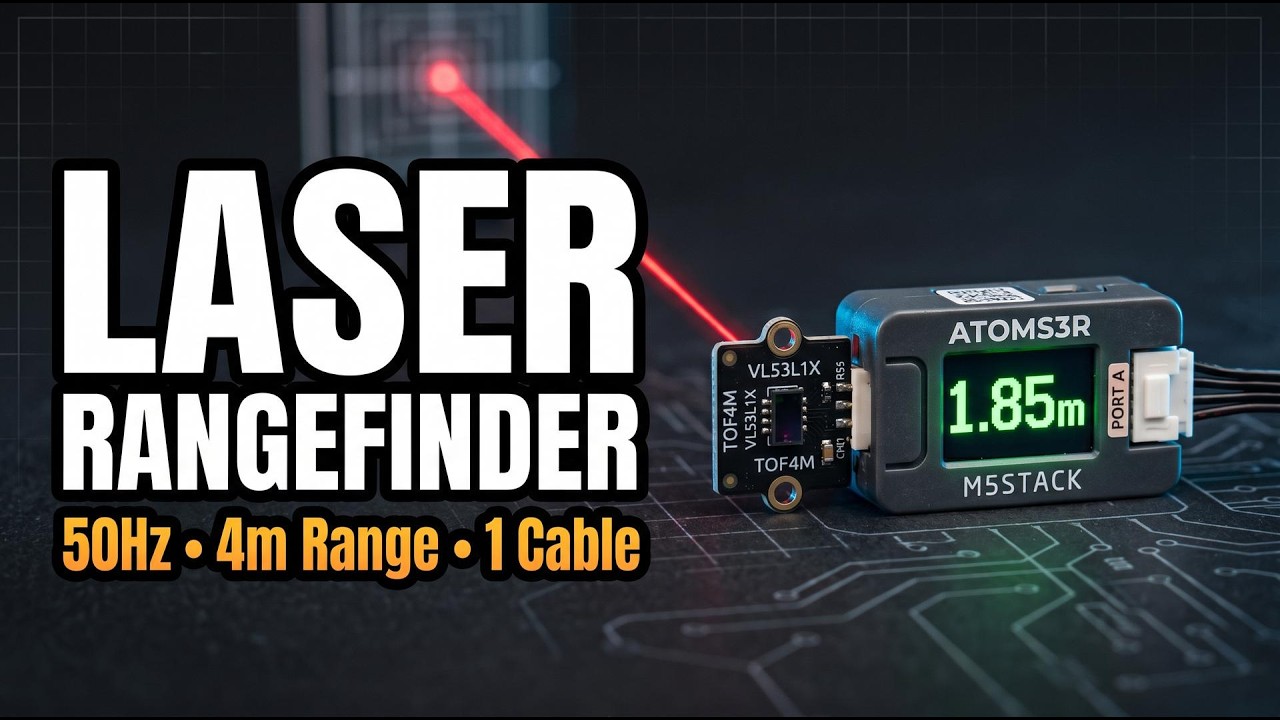
This thing measures distance with a laser up to 4 metres, updates 50 times a second, and the entire wiring diagram is one cable.

The two parts

  • AtomS3R: an ESP32-S3 with 8MB of flash, 8MB of PSRAM and a 0.85-inch screen that's secretly also a button. The whole screen clicks.
  • ToF4M unit: a VL53L1X laser ranger, not the older L0X that maxes out at 2 m. This one does 4 cm to 4 m. Its 940 nm laser is invisible, which is great for eye safety and terrible for looking cool.

Wiring

One Grove cable. It gives the sensor power and I2C, with SDA on GPIO 2 and SCL on GPIO 1, but you'll never touch a jumper wire.

Software

Use Arduino IDE with two libraries: M5Unified for the board, and Pololu VL53L1X for the sensor. Heads up: most tutorials say VL53L0X. That's the wrong chip and the wrong library.

Three tricks worth stealing

  1. Draw offscreen. Everything goes to an offscreen canvas and pushes in one go, so the screen never flickers.
  2. Smooth the readings. An exponential moving average of 60% old and 40% new stops the number jittering.
  3. Only trust valid readings. If the sensor's range status doesn't say valid, show dashes, not garbage.

Two modes

Press the screen to swap distance modes.

  • Short: 20 ms readings, tops out around 1.3 m, and shrugs off sunlight.
  • Long: a slower 50 ms budget, reaches 4 m, but ambient infrared is the enemy. Expect the full range indoors or after sunset, not on a sunny bench.

What bit me

A design decision took three tries: the bar fills as things get closer, not farther. It feels backwards in code and right in use. Closer target, more urgency, more bar.

And if the cable's loose, it tells you instead of silently showing zeros. That's 30 seconds of error handling that saves 30 minutes of confusion. Do this in every project.

Why bother?

This replaces the ultrasonic sensor in most robot projects. It's smaller, faster, works on soft and angled surfaces, and it's one cable. Mine's going on a robot next.