ROS2

Advanced

micro-ROS on ESP32: Drive a RoverC Pro with a Gamepad

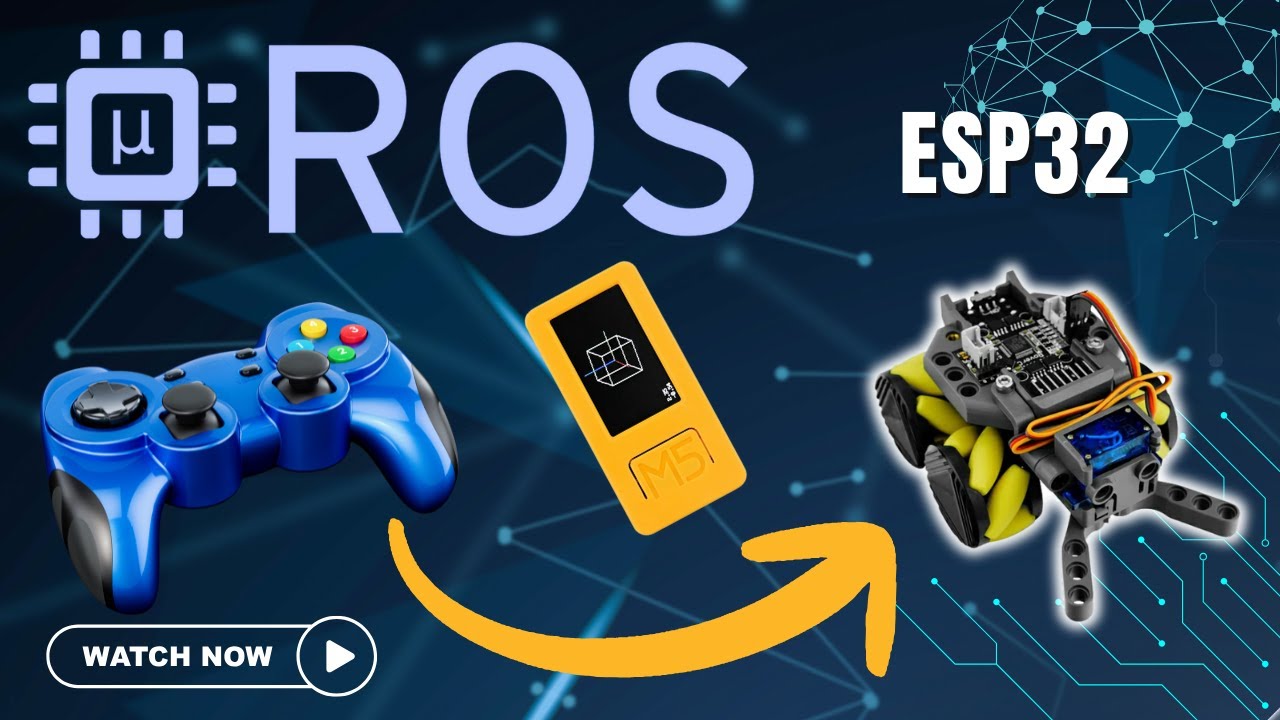
micro-ROS ESP32 rover and game controller
Build This
Build time

Estimated cost

What You'll Need
  • M5StickC Plus2 (ESP32-PICO-V3-02, 2MB PSRAM, 8MB flash, 200mAh battery)
  • RoverC Pro (STM32F030C8T6, 4 × N20 motors, L9110S drivers, servo gripper)
  • Game controller
  • A computer running ROS

Watch It In Action

This is a micro-ROS demo on M5Stack hardware. I control a rover robot with an M5StickC Plus2 and a game controller, all running on micro-ROS.

The hardware

  • RoverC Pro: a programmable omnidirectional base with Mecanum wheels and four N20 motors on L9110S drivers. The Pro version adds a servo-controlled gripper.
  • M5StickC Plus2: a compact ESP32 board with a 1.14-inch display, IMU, Wi-Fi and a 200mAh battery.

Setting it up

  1. Connect the StickC to the RoverC through I2C. The RoverC is at I2C address 38, which makes it easy to control from the micro-ROS node.
  2. Set up the ROS environment on your computer.
  3. Start the micro-ROS agent, which bridges micro-ROS nodes to the main ROS system.
  4. Check that the rover appears on your ROS network, with the StickC running its micro-ROS firmware.
  5. Start the joy controller node.

Driving it

The left joystick controls direction: forward, backward, left, right and even diagonal, thanks to the Mecanum wheels. The right joystick turns the robot while it moves. The controller buttons open and close the gripper, which is perfect for picking things up.

Why micro-ROS matters

micro-ROS runs directly on the ESP32 inside the StickC. That makes the robot a true ROS node, not just a remote-control device. It can publish sensor data, subscribe to commands and join larger ROS systems.

Communication happens over Wi-Fi, and you still get what makes ROS useful: standard message types, topic-based communication and easy integration with other ROS packages.

Where to take it

You could add computer vision, autonomous navigation, or connect other ROS devices. What would you build on this setup?