M5Stack
Intermediate
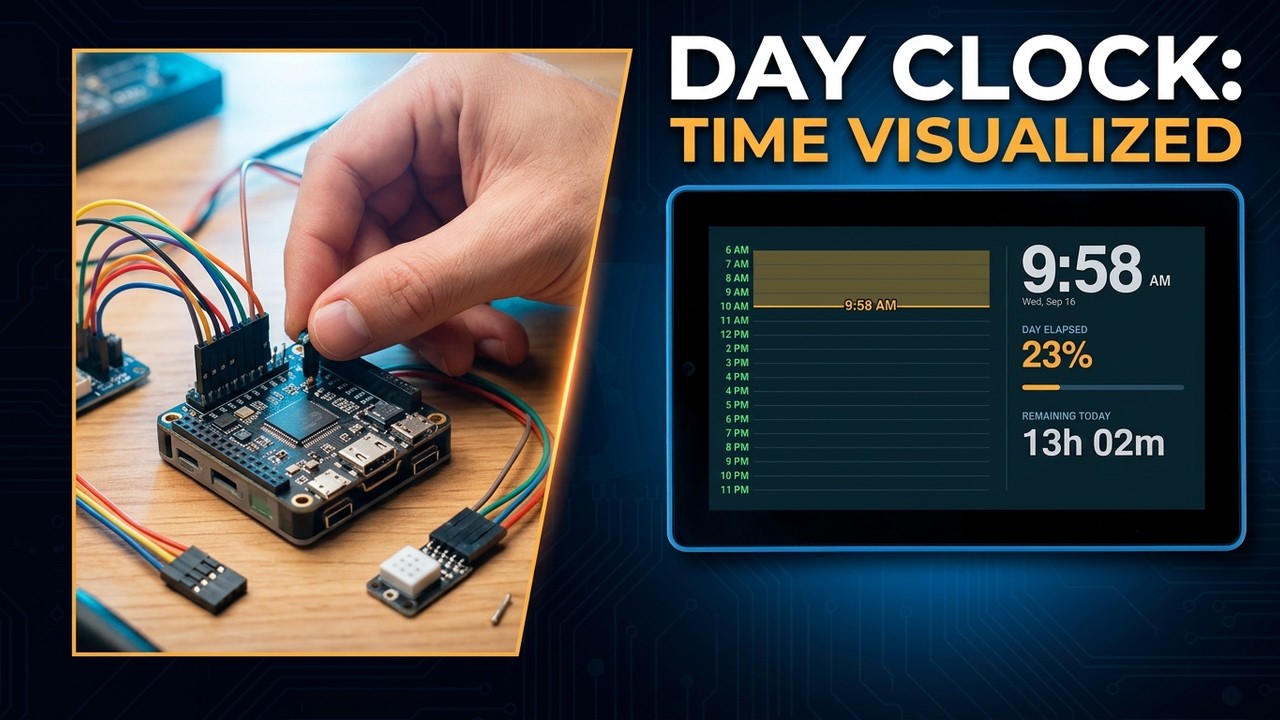
Watch It In Action
Look at it from across the room. That amber bar is my whole day, and that line is right now. I built this small ambient clock on an M5Stack Tab5. It doesn't try to be a smart dashboard. No apps, no notifications. It just shows the shape of my waking day on one screen.
It updates once a minute, and that's enough. It's a day clock, not a stopwatch. In the morning the amber is low, and by evening it's high, so you get an honest answer to two questions: how much is gone, and how much is left?
The Tab5 has a 5-inch 1280 × 720 IPS display, so you can read it from across the room. That was the whole idea.
Inside, the ESP32-P4 handles compute and the display, and an ESP32-C6 is the Wi-Fi chip, because the P4 has no built-in Wi-Fi.
There's an onboard RX8130CE real-time clock, so time stays solid when Wi-Fi drops. I unplugged my router and it just kept going.
Can you read it from across the room? Yes. In low light, the amber stays readable and isn't harsh at night. That's what I wanted: one screen, the shape of the day, time left until 11 PM, and no noise.
The full source is on GitHub. Change the colours and the time window in config.h. I'm on 6 to 11. What window would you use?
New to the Tab5? Start with my Arduino setup guide.
